How to add new users to your Desktop account?
1. Log onto the Teton desktop platform. On the overview side panel, click ‘Settings’: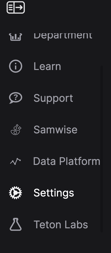
2. After this, click ‘Users’ on the top panel:
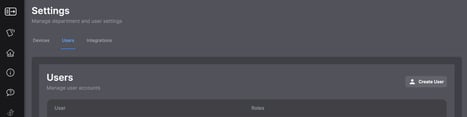
3. Click create user
4. Enter the desired information to create your user profile.
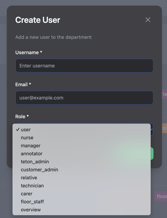
Username: Insert your name
Email: Insert your email address
Role: Insert which role best applies to you. You can select more than one role per user, if multiple apply. Managers will have different permission settings to other users. To note - please select a role other than ‘user’ if you are not part of the Teton team.
5. This user will now have access to the Teton app/platform.