Teton notifications are designed to be easy to change, and personalized to each individual's unique need.
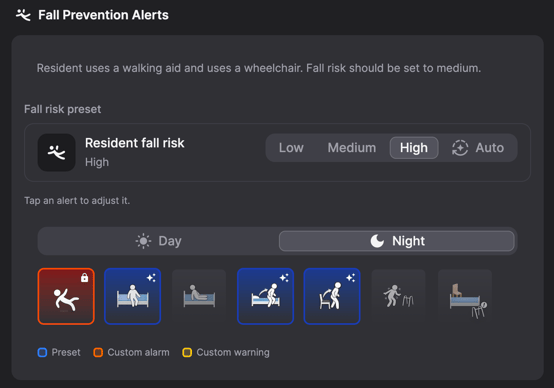
There are two ways to set notifications -- auto pilot and manually.
- Auto pilot: Teton automatically adjusts the notifications based on the resident's habits and wellness.
- Manual: The care staff manually sets notifications based on what you know about the resident. In this case, a risk level can be set, and then each activity can be selected to identify whether it should be a warning or alarm.
Notifications can be set to vary for day versus night.
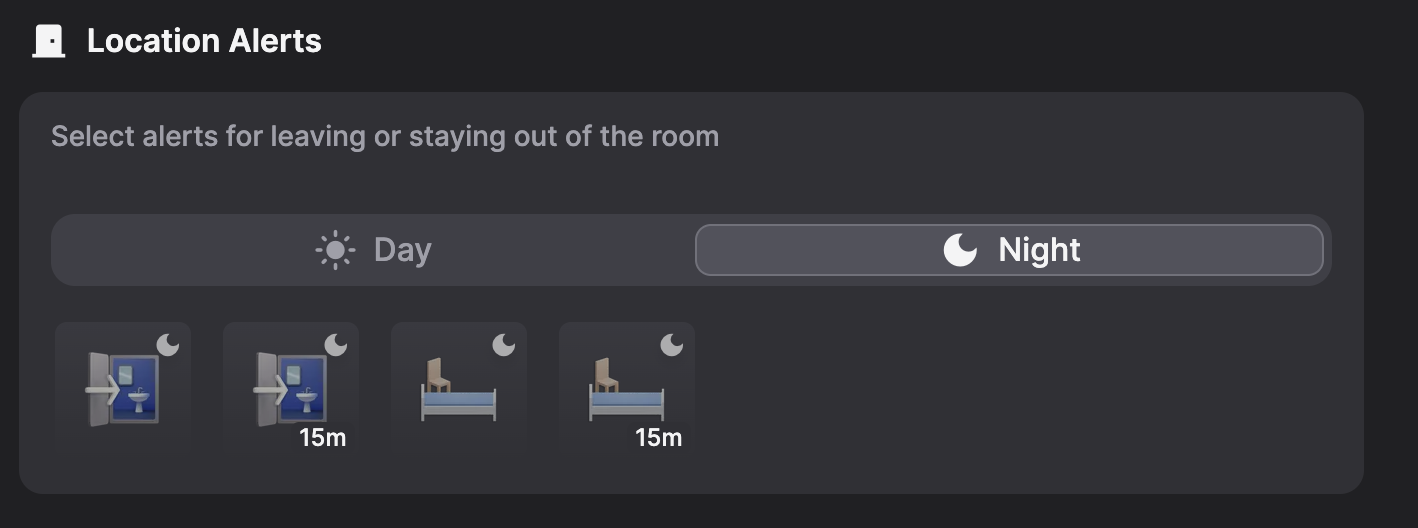
Location Notifications:
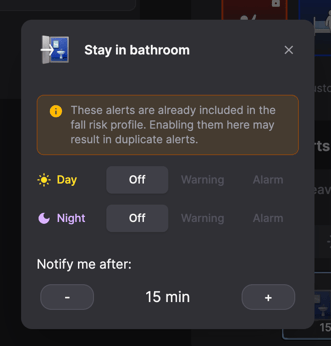
Notifications can also be set to be received based on a residents whereabouts. For example, a notification if a resident is in the bathroom for an extended period of time. Clicking on a location will open a box allowing you to set a time period, and whether it's an alarm or warning.