Activity on the mobile app:
On the mobile, if you tap on a resident, near the top of their information sheet you’ll see their activity timeline. You can scroll through this to see what they have done recently.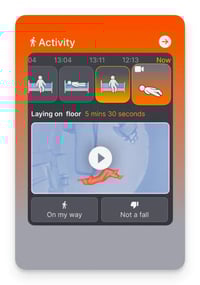
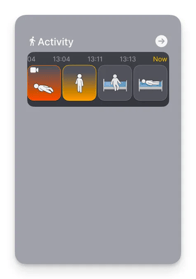
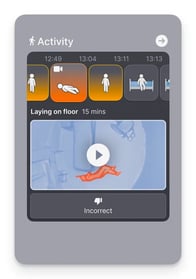
Activity timeline:
- Scroll to see what happened earlier
- Falls from the previous 24 hours will be visible, you can also watch their fall animation
- In the case of an active fall, the background will be red, and you will be offered the ability to either say that you are on your way, or “review it as not a fall”. Read more about reacting to alarms here: