Incorrect Name:
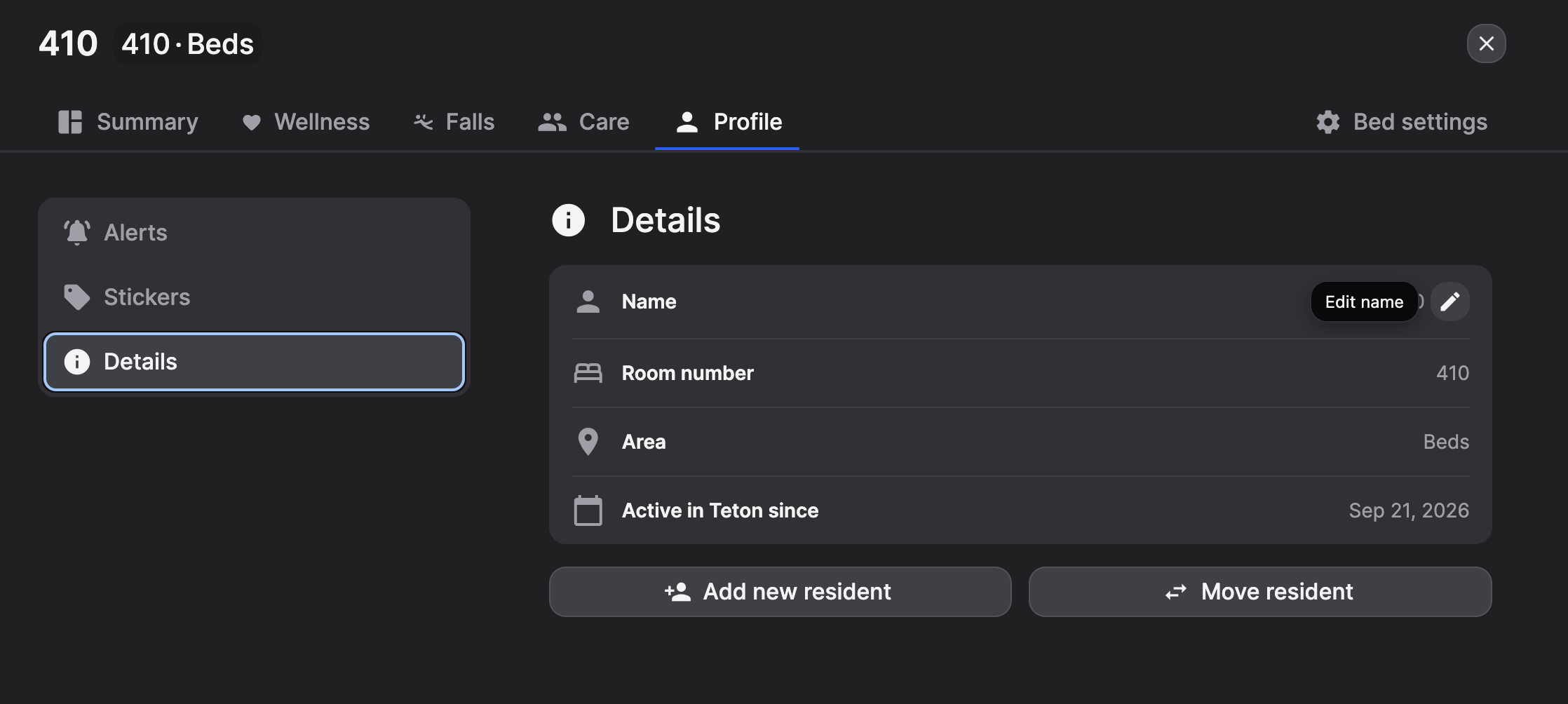
If the spelling of a resident's name is incorrect, this can be edited within the desktop app.
- Select the Resident Card
- Navigate to 'Profile'
- Select 'Details'
- Use the pencil icon next to the name. This will allow you to the edit the name, or create a new resident.
Resident in the incorrect apartment, or in the wrong care level:
- Select the resident who is in the incorrect room
- Navigate to bed settings
- Select 'Move Resident'
If you need to move a resident into a new section on the desktop, or need to add a second resident to an apartment, reach out to your Teton customer success manager, or Teton Support.